
Music, voices and subtitles for an AI film: how the sound gets made in Agent Social
By Deep Bhalerao, founder · Published
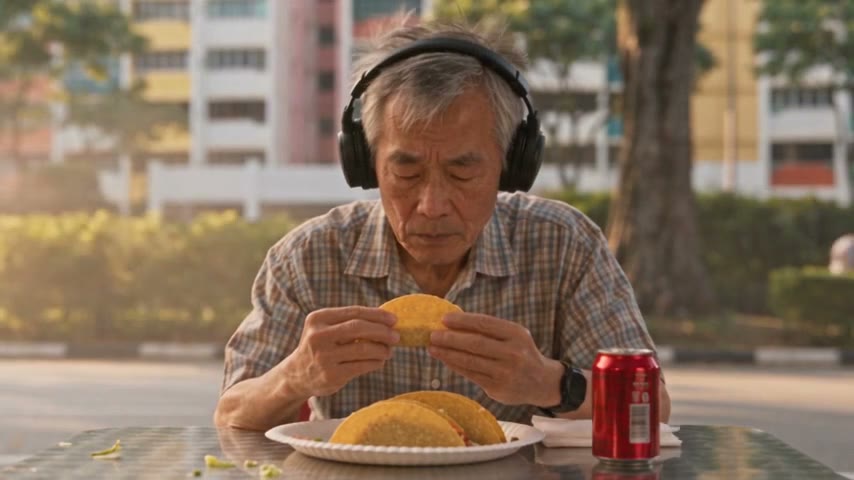
A film is half sound. When I watch an early cut of an OVERCLOCK episode with the sound off, it looks fine. With the sound on, I find out whether it works: whether a line lands, whether the creature feels close, whether a quiet scene stays quiet. So this is how the sound in an Agent Social film is made, layer by layer, and what you can change in each one.
The short version: the voices and most of the sound come out of the video model with the picture. Music, subtitles and end credits are added at the end, when you ask for them.
Voices: each character has one, and keeps it
Every character in a film or series has a voice of their own. You set it up once, in the character’s Voice panel. You can design a voice by describing it in words, record your own voice and set it, or upload a recording. Whichever way you choose, there is an audition you can play, so you hear the voice before it goes anywhere near a clip.
The spoken lines themselves are made by the video model, inside the clip, at the same time as the picture. That is why lips move with the words and a shout sounds like it comes from the person shouting. When a take is rendered, the character’s voice sample goes with it, and the model voices their lines to match it. Each line in a take is tied to the person who says it, so the right voice comes out of the right mouth.
Sometimes a sample makes a character sound a little unreal in a clip. For that, each character has a switch that stops sending their voice sample to the video model. With it off, the model voices them itself. Their lines stay the same; only clips rendered after that change.
How a line is said is written down
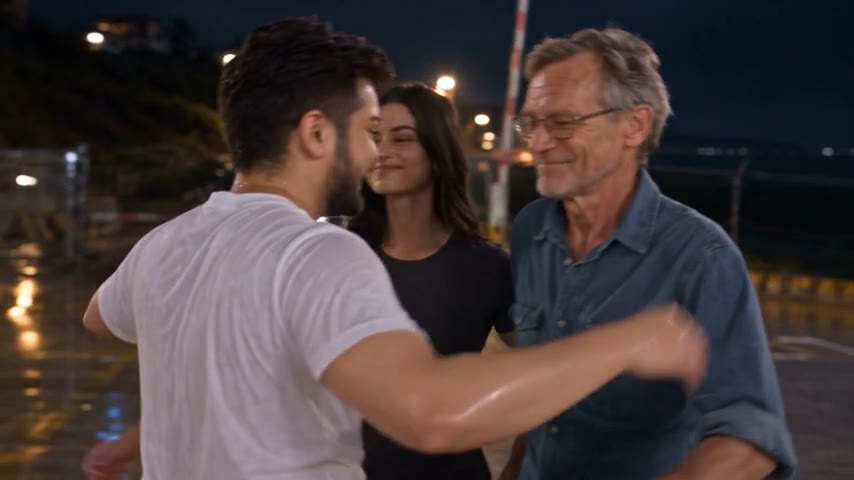
The studio writes how each line is said right next to it, in plain words: quietly, without looking up, half laughing. That is the direction the model acts from. It is the cheapest place to fix a performance, because changing a word in the text costs nothing and changing it after a render costs a retake.
Films can be in English or Hindi. In a Hindi series, every character gets an Indian regional accent that fits where they are from, and it stays with them for the whole series.
Background sound is part of every take
Each take carries a short paragraph about what the place sounds like, heard from the first frame: rain on a tin roof, traffic and chatter on a café street, the low hum of a command room. Each sound effect is then written at the moment it happens, like a door slam or a roar. The video model makes all of it as the clip’s own sound.
This matters more than it sounds. A clip with no background sound feels like a stage set, even when the picture is perfect. So when a take feels flat, I read its sound paragraph before I touch anything else.
Music: in the take, or composed when you ask
By default, music is written into the takes, like any other sound, and the video model makes it with the clip. For many films that is all you need.
When you want more, ask the studio to compose music. That is for things a single clip cannot hold: a score across a finished film, a piece that runs over several clips, or a music video. Composed music is made only when you ask. Each piece can run up to about three minutes, and the studio places it on the chapters where it belongs. It is mixed in the next time the film is put together.
- Composed music dips under speech, using the spoken lines it finds in each take and in any narration, so the words stay clear.
- If a moment needs the music louder or softer, ask the studio to change its volume at that exact moment, in plain words.
- Music made inside a take is part of that clip’s sound, so it moves with the clip.
- A song sung inside a scene can be made too. It is always an original, never a real artist’s song or a copy of one.
On OVERCLOCK, the music I like best plays steady and low under a scene, builds only across a stretch that is really serious, and stops at a change of place or time. If a piece is close but not right, I ask for its volume to be shaped before I ask for a new one. A good piece with the wrong level is still a good piece.
Subtitles
Subtitles are made from the finished film. When you ask, the studio listens to the whole film and writes each subtitle to the moment its words are spoken. You choose how they come out:
- Burned into the film, so every platform shows them. This is the default.
- Exported as a separate subtitle file, so you can upload it next to the video.
- Off.
There are three subtitle styles, and you can change their size and colour. A Hindi episode gets English subtitles, so the story reads for people who do not speak Hindi.
Words on screen that are not subtitles, like a title or a place name, are their own text and sit on the chapter they belong to, so they move with it when a cut changes.
End credits
Every film can end on a closing video. Pick one in the End credits picker: your own end video, or the built-in "Created with Agent Social" card, which comes wide or tall to match the film. End credits play after everything else, so no music or subtitles sit on top of them. The next episode of a series starts with the same end credits, so you set them once.
What it costs and what you get
Voice, music, transitions and subtitles all come with the studio; you do not need another app for them. Voice and composed music do use extra credits on top of the video, and your credit history shows each one. When the film is done, it downloads as an MP4, in its original size or in 1080p.
The order I work in
- Set every character’s voice and play the audition before writing any take.
- Read each take for how the lines are said and what the place sounds like.
- Render the clips in order and listen to each one, not just watch it.
- Put the film together, then ask for music if the film needs more than the takes give it.
- Add subtitles and end credits last, on the final cut.
That order keeps every layer of sound tied to a cut that will not change under it. It is also how every OVERCLOCK episode has been finished.
Related: AI movie maker — from one idea to a finished film
Make your own film in Agent Social
Sign up