
How to make an AI video longer than a minute: one episode, many clips
By Deep Bhalerao, founder · Published
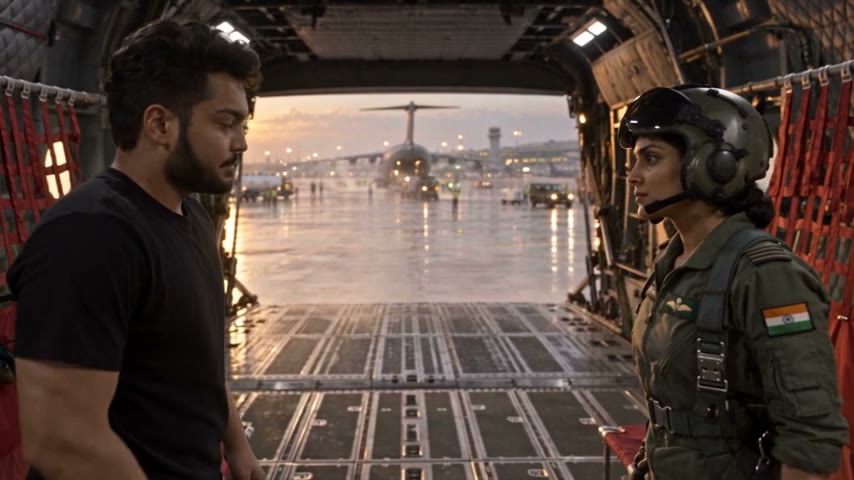
The first thing everyone learns about AI video is that it stops. You write a beautiful prompt, you wait, and you get a clip that ends just as it gets going. That is not a bug. A video model films one clip at a time, and one clip is short.
I am Deep Bhalerao, and I built Agent Social. My own series, OVERCLOCK, is made in it, and its episodes run between four and a half and six minutes each. This is how a film gets from seconds to minutes, and the few things that decide whether it still feels like one film at the end.
Why a single AI clip is short
Every video model has a longest clip it can film. In the Agent Social studio, Seedance 2.5 films clips from 4 to 30 seconds, and MiniMax H3 Max from 5 to 15. Inside that one clip the model can cut between a handful of shots, the way a director would on set. But it cannot keep going for five minutes, and asking it to cram a whole story into 30 seconds only gives you a rushed clip.
So a long film is never one render. It is many clips in a row. The hard part is not making many clips. It is making them feel like they belong to the same story, with the same people, in the same places, carrying on from each other.
Step one: plan the whole story as chapters
Before anything is filmed, the studio writes the whole film as a plan. The plan is split into chapters, and each chapter becomes one clip. Every chapter has its own length, its words and one sentence about what it has to do for the story. Because the whole story is written first, each clip knows what came before it and what comes after it, and a conversation can run across several clips without anyone forgetting what was said.
A take is the written text for one clip: where we are, who stands where, what each person says word for word, and what it sounds like. I read every take before anything renders, because fixing a sentence is much cheaper than fixing footage.
Step two: render the clips in order
The clips are filmed one after another, in story order. Chapter 1 first, then chapter 2, and so on. The studio does not skip ahead to the exciting part, even as a test. I learned this the hard way while making the first OVERCLOCK episode. Clips rendered out of order, and one clip whose starting frame was missing came back with two faces and voices swapped. After that, rendering in story order became a hard rule.
Rendering in order also means you watch the film grow. You see clip one, you fix what is wrong in the writing, and only then does clip two get made.
Step three: start each clip where the last one stopped
This is the step that makes a run of clips feel like one film. When a clip carries straight on from the one before, the studio takes the last frame of the previous clip and hands it to the video model as the place to start. The person who was mid-step is still mid-step. The car that was pulling away is still pulling away.
A picture alone is not enough, though. A video model treats every picture it gets as a reference, not as a starting point. Early on we had a clip that was given the last frame and a wide photo of the empty café, with nothing saying which came first. It opened on the empty room, and two people appeared out of nowhere a second later. The fix was in the words: a continuing take now says, first, what the world looks like at its opening instant, and the studio stops sending a second picture of the room unless the clip actually goes there.
Not every clip should continue. When the story moves to a new place or jumps forward in time, the clip starts fresh, the way a film cuts to a new scene. Carrying a frame across a jump like that only confuses the model. After Episode 4 I wrote down when to carry the last frame and when to start fresh, and the studio now makes that call on its own.
Keep the cast and the places the same
Over five minutes, small drift adds up. A face that is a little different in every clip becomes a different person by the end. In Agent Social each character and each place is made once, as a picture, and that same picture is attached to every clip it appears in. The café in the first minute is the same café in the fourth, and the man walking into it is the same man.
This carries across episodes too. The cast, the places and the look are kept on the series, not rebuilt for each episode. Episode 2 of OVERCLOCK picks up on the exact last frame of Episode 1.
Step four: join it into one film
When the clips are done, the studio compiles the film. It joins the clips in order, adds the captions, mixes the sound and the music, and adds the end credits. You get one film you can watch in the studio and download as an MP4.
If one clip runs long, you can cut it down in the studio without rendering it again. If one chapter is wrong, you rewrite and redo just that chapter, and the rest of the film stays as it is.
Real lengths from OVERCLOCK
These are the four episodes as they are on YouTube today. Each one ends with about 20 seconds of end credits.
- Episode 1, “Searchlight”: 4:31.
- Episode 2, “The Green Hole”: 5:03.
- Episode 3, “Burrower”: 5:42.
- Episode 4, “Double Scoop”: 4:46.
All four were made at 480p in wide 16:9, with recurring casts that stay the same from the first clip to the credits. The OVERCLOCK page on this site has each episode, its story and its cast.
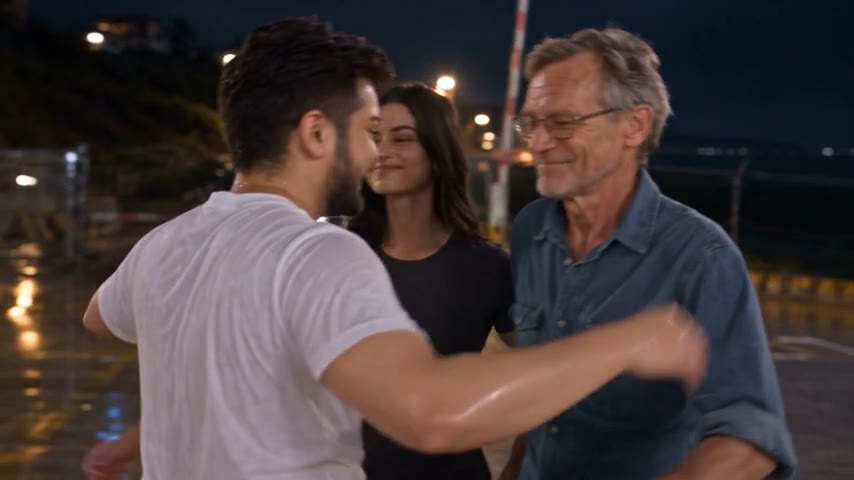
What a long film costs
Finished video is priced per minute of film, about $5 a minute, paid from credits that never expire. A longer film costs more because there is more of it, not because it is long. Retakes, higher resolutions, voices and music add to it, and every charge shows in your credit history.
If you want to make your first long film
- Start with the whole story, split into chapters, before you film anything.
- Make each character and place once, check the picture, and reuse it everywhere.
- Render in order. Watch each clip and fix the writing before the next one.
- Let a clip carry on from the last frame when the action continues, and start fresh when the place or the time changes.
- Aim for four or five minutes for a first episode. It is long enough to tell a real story and short enough to finish.
None of this needs a camera. It needs a story worth five minutes, and the patience to build it one clip at a time.
Related: Long-form AI video — full episodes, not 5-second clips
Make your own film in Agent Social
Sign up