
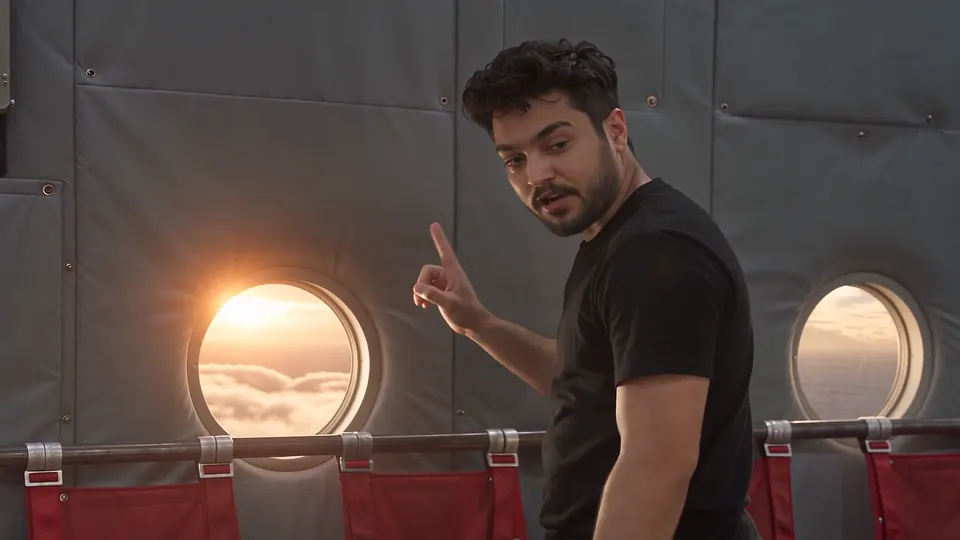
In Agent Social, your photos become the people and places of a story, and the studio films that story as moving scenes with dialogue and sound. You upload the photos once, check the pictures that come back, and every clip uses those same faces and rooms.
How do you turn photos into a moving story scene?
You turn photos into a moving scene in Agent Social by using them as the characters and places, then describing what happens. Upload a few clear photos of a person and the studio makes that person as a set of pictures from every side. Upload photos of a place and it makes the place’s pictures. You check each picture, write your scene in plain words, and the studio films it as clips with voices and scene sound. The photos are not animated one by one: they set who is in the scene and where, and the story decides what they do. In OVERCLOCK, the photoreal kaiju series made in Agent Social, the lead, Deep, is made from real photos of the director, and his face was never redrawn.
| You bring | It becomes | Then |
|---|---|---|
| Photos of a person | A character, with pictures from every side | Same face in every clip |
| Photos of a real place | The place’s pictures, as they are or cleaned up | Same room in every clip |
| Photos as a guide | A new place in that style | Inspired by, not copied from |
| Frames from your own film | A place that matches across episodes | A set that carries on |
What photos should I upload for a character?
Upload a few clear, well-lit photos of the person from different sides. That is the advice Agent Social gives for starring in your own film, and it works for a friend or a relative as well. From them the studio makes the character as a set of pictures from every side, and you check that it is the right face, the right clothes and the same person in every view. Then give the character a voice in their Voice panel: describe it, record it, or upload a recording of 15 seconds or more to clone. The character keeps that one voice in every clip. The guide to making characters and places once goes through each step.
Can I use photos of a real place as the setting?
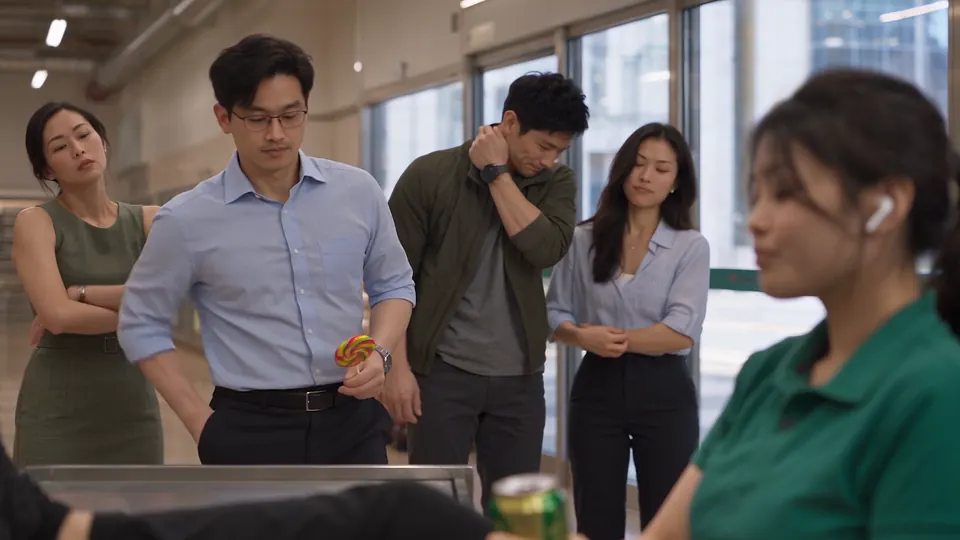
Yes. In Agent Social, photos of a real place can be used as the place’s pictures as they are, or cleaned up with people and text taken out. A photo is the thing itself; a painting is a guess at it. When a place should feel real but no single photo fits, photos can guide it instead. OVERCLOCK Episode 4’s boulevard in Marine Parade, Singapore, was invented for the episode, inspired by attached photos of glass towers, a wide divided road and a white heritage shophouse, and copied from none of them. A place can also come from your own film: the supermarket in Episode 5 was painted from frames of Episode 4’s finished film, so the store matches from one episode to the next.
Start from photos when
- The person or place is real and you have good photos.
- You want to star in your own film.
- The look must match something that exists.
Start from a description when
- The character or place is invented.
- You have no clear photos.
- You want the studio to paint the look.
How do I check the pictures before the scene is filmed?
Check every picture the studio makes before any clip uses it: the right face, the right clothes, and every view showing the same person. A wrong picture costs one redraw now, while a face that drifts costs every clip it appears in. You can also ask for a moment, a still picture of one beat of your story made from your approved characters and places before the clip is filmed. It works like a rehearsal photo. Check that everyone is where you expect and the room is the room you approved, and if something is wrong, say it in plain words: “move Nora to his left”. A new still comes back for you to check. Fixing a still is one new picture, while fixing a filmed clip is a retake.
Is this photo ready to become a character?
- Is the face clear and well lit?
- Do you have photos from a few different sides?
- Will you check every picture the studio makes before filming?
Answer each question for your verdict.
How does the scene move, with voices and sound?
Once the pictures are approved, the studio films your scene as clips of 4 to 30 seconds, in story order, each with the characters speaking and the sound of the place. You watch one clip before the next is filmed. One clip can cut between several shots, so a scene reads like a film rather than a slideshow. If a clip comes out wrong, you ask for that one clip again and the rest of the film stays as it was. Agent Social films on Seedance 2.5 by default; what Seedance 2.5 is good at explains why that suits faces made from photos.
A storm and a knock at the door
Your face, a lighthouse keeper, one tense scene.
“Put me in a short film. Here are three photos of my face. I am a lighthouse keeper who hears a knock at the door during a storm.”
The café you love
Photos of the café become the set.
“Use these photos of my local café as the place. Two friends meet there and one has news.”
A surprise party
Family photos become the cast.
“Use these photos as the cast. Make a one-minute scene where everyone hides before the birthday person comes home.”
What does a photo scene cost?
Agent Social is pay as you go and prices a film per finished minute, so a short scene is a small amount of credit. A finished minute costs from $25, up to 1080p. That figure is the same whether the cast came from photos or from descriptions. There is no subscription, no free trial and no free credits, and unused credits never expire. Judge every clip in the draft, which is enough to check the faces, the timing and the sound, then upscale the finished film to 1080p when it is ready. Retakes add to the total, so check the pictures first. See what an episode costs for the full breakdown.