
A five-minute AI video can be done in two to three hours in Agent Social. A ten-minute film is roughly twice the work, and a series is that, episode after episode. Length sets how many clips you film; retakes, cast and how settled your story is before the first take decide the rest.
2–3 h
to make a five-minute video
4–30 s
one clip, with its dialogue and scene sound
26 clips
in a ten-minute OVERCLOCK episode, one cast throughout
1 click
to upscale the finished film
How long does it take to make an AI video?
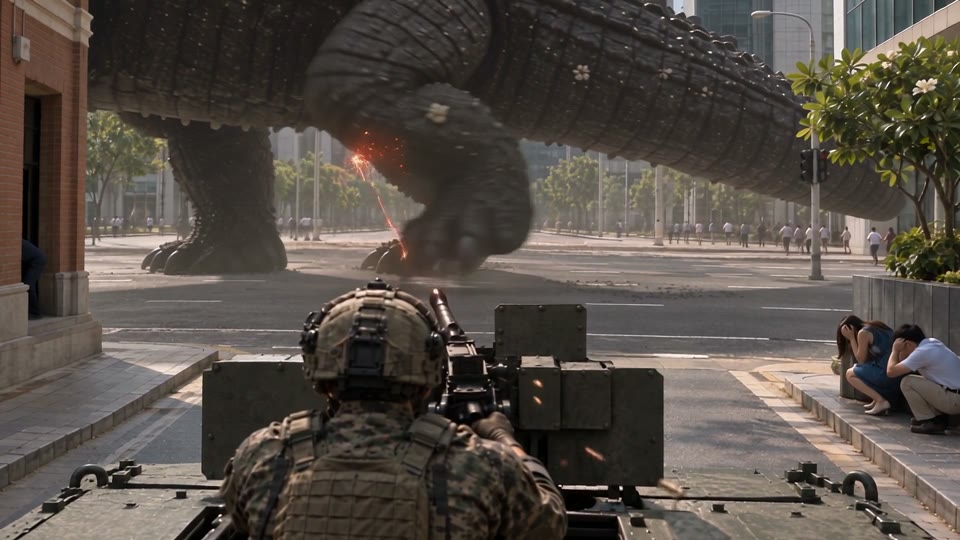
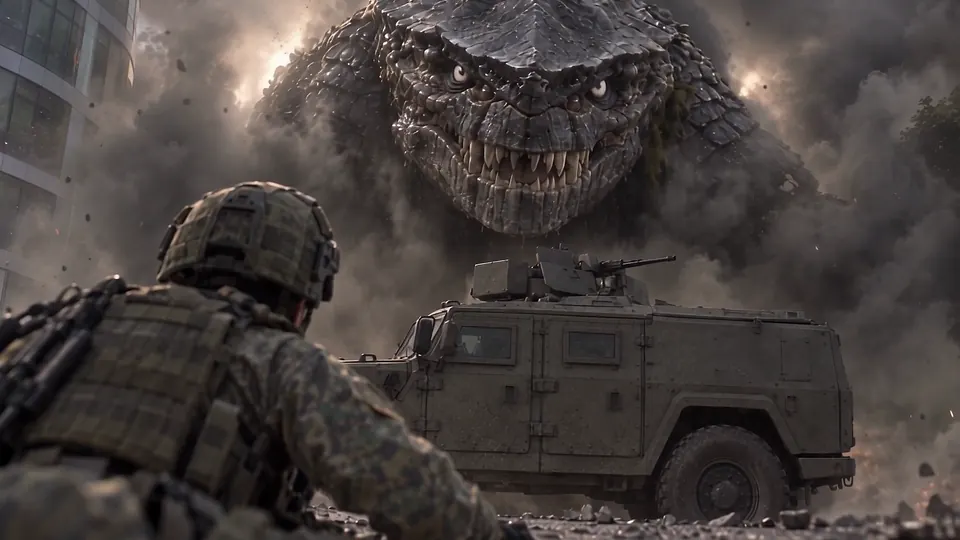
A five-minute AI video can be done in two to three hours, start to finish, when one chat writes the story, casts the characters, builds the places and films every clip. Longer films scale with their clips: a ten-minute film is roughly twice the work, because it has roughly twice as many clips to film and watch. My photoreal kaiju series, OVERCLOCK, shows the shape. Episode 3 runs 5 minutes 42 seconds across 14 clips; Episode 5, Under the Hall, runs 10 minutes 7 seconds across 26. The same rule holds for any long-form AI video with dialogue, scene sound and the same faces from start to finish: count the clips and you know how big the job is. What stretches it is work you do twice, so the rest of this page is about doing each step once.
What are the steps of making an AI movie?
Making an AI movie has four steps, and only one of them is filming. First the story: you describe the film, then read the chapters and every clip’s screenplay and change them in plain words until they are right; how sure you are of the story decides how long this takes. Then the cast and places: each character and place is made once as pictures and reused in every shot, so the number of new faces decides this step. Then the filming, one clip after another in story order, each watched before the next; the clip count and the retakes decide it. Last, the clips are joined, music and subtitles are added, and the finished film is upscaled to 1080p in one click. The making-of page for Episode 3 shows one of its chapters going from words to footage.
Story and screenplays
Before filmingRead the chapters and every clip’s screenplay, and change them in plain words. OVERCLOCK Episode 3 had about 350 rounds of changes, all before the first take.
Cast and places
Before filmingMade once as pictures; check every face now. A returning cast comes back exactly as it was.
Filming, in story order
While filmingEach clip films in a few minutes while you keep chatting. Watch it, and fix that clip before the next one is filmed.
Joined, with music and subtitles
After filmingThe clips become one film; music and subtitles go over all of it at once.
Upscale to 1080p
After filmingOne click on the finished film. Why you draft at 480p and upscale at the end.
Download and upload
After filmingDownload the MP4 and upload it wherever your audience is. Then cut a trailer from the finished film.
How long does it take to make one AI video clip?
One clip takes a few minutes to film, and you can keep chatting while it does; the app says so while a clip films. On Seedance 2.5, the default video model, a clip runs from 4 to 30 seconds, comes back with its dialogue and scene sound, and can cut between shots inside it, so one clip can hold a whole moment. The part that varies is not the filming but your judgement: watching the clip, deciding whether the faces held and the line landed, and asking again when they did not. When a clip misses, say what is wrong in one sentence and film that clip again, not the whole chapter. Picking a video model explains when a different model is the better fix.
What makes an AI video take longer?
Five things make an AI video take longer: more running time, more clips, more retakes, more characters and places, and a story still changing when filming starts. Running time matters mostly because it brings more clips. OVERCLOCK Episode 5 is less than twice as long as Episode 3, but it had 26 clips instead of 14, 43 takes instead of 20, 92 pictures instead of 59, and 39 named characters, each made and checked before they could appear. The making of Episode 5 shows every one of those counts. The costliest of the five is the last: a story you are still deciding gets decided in footage, one retake at a time. So the quickest films are the ones whose story was finished in words, and whose cast is no bigger than the story needs.
| Episode | Length | Chapters | Clips and takes | Pictures |
|---|---|---|---|---|
| Episode 3, Burrower | 5:42 | 12 | 14 clips, 20 takes | 59 |
| Episode 4, Double Scoop | 4:46 | 12 | 13 clips, 19 takes | 35 |
| Episode 5, Under the Hall | 10:07 | 24 | 26 clips, 43 takes | 92 |
How do you make an AI video faster?
You make an AI video faster by fixing it in words before you fix it in footage. A changed sentence is quick; a changed clip means another take to film and watch. So decide the story in words first, and read every chapter and every clip’s screenplay before the first take. Check every character and place picture before filming, because a face fixed once is right in every clip. Film in order and fix one clip at a time, so a mistake is caught once instead of copied forward. Draft at 480p and upscale once, at the end. Episode 3 is the proof: every screenplay settled before filming, then only 20 takes for 14 clips. The skills that make an AI filmmaker are the same ones that make you fast.
Fixing it in footage
- Film first, find the problem on screen
- Every fix is another take to film and watch
- A wrong face stays wrong in every clip after it
- Every retake filmed at full sharpness
Fixing it in words first
- Read the chapters and screenplays before filming
- Every fix is a sentence you change in the chat
- Check each face once, before the first take
- Draft at 480p, upscale once at the end
Is your film ready to film fast?
- Can you tell the whole story in two or three sentences?
- Have you read every clip’s screenplay?
- Have you checked every character and place picture?
- Does every named character earn their place in the story?
- Are you drafting at 480p?
Answer each question for your verdict.
Do dialogue, music and 1080p add time to an AI movie?
No, not the way they would in an ordinary edit. Dialogue and scene sound come with each clip, so there is no dubbing session or separate sound pass: you hear the lines the moment the clip is filmed. Music and subtitles are added when the film is joined, over the whole film at once rather than clip by clip, so they never hold up the filming. And 1080p is one click at the end. You film every clip and every retake at 480p, the default, which is enough to judge faces, timing and sound, then upscale the finished film once. Filming at 1080p from the start is possible, but then every retake is filmed at 1080p too, and each one costs more. Why you draft at 480p and upscale at the end covers the method, and the pricing page lists every price.
How long does it take to make a feature-length AI film?
A feature-length AI film takes the work of its clips, so plan it by the same rule: a ninety-minute film is about eighteen five-minute films, made one after another. Break it into chapters, the scenes of the film, and each chapter into clips, and the size of the job becomes a count rather than a guess. Two things stop a long film growing faster than its length. The cast and places are made once and reused in every scene, so later chapters start ahead. And because clips are filmed in story order, each watched before the next, a mistake is caught in the clip where it happens, not in a finished cut. OVERCLOCK Episode 5 shows the scale: 24 chapters and 26 clips for ten minutes, one cast from start to finish. Any AI video longer than a minute is built the same way: many short pieces, made in order.
How long does it take to make a whole AI series?
A whole AI series takes one episode’s work, episode after episode, and each later episode starts ahead of the one before. If a five-minute episode can be done in two to three hours, a season is roughly that times the number of episodes, minus the cast and places you have already made. Returning characters keep their faces and voices, the places stay built, and the next episode can carry straight on from the last frame of the one before: OVERCLOCK Episode 4 opened on the exact last frame of Episode 3. So plan a season by counting episodes and clips, and pick a pace you can keep. Video is $25 a finished minute at 480p, or $45 drafted at 480p and upscaled to 1080p in one click; retakes, writing and pictures use some credits on top (what an AI episode costs). The step-by-step guide to an AI TV series covers the whole path, and the calculator below prices your season.
What a season costs: minutes per episode times episodes
- Drafted and finished at 480p$25/minute
- $500
- Then upscaled to 1080p in one click+$20/minute
- +$400
- Finished film in 1080p, in all$45/minute
- $900
20 finished minutes at the published prices. Retakes add to it, and there is no subscription: you pay for what you make.